
Visual tensor graph
Connect features, reusable transforms, model blocks, targets, and losses while P³ validates tensor contracts.
Design tensor flows visually, then train regression or classification models on your own hardware.
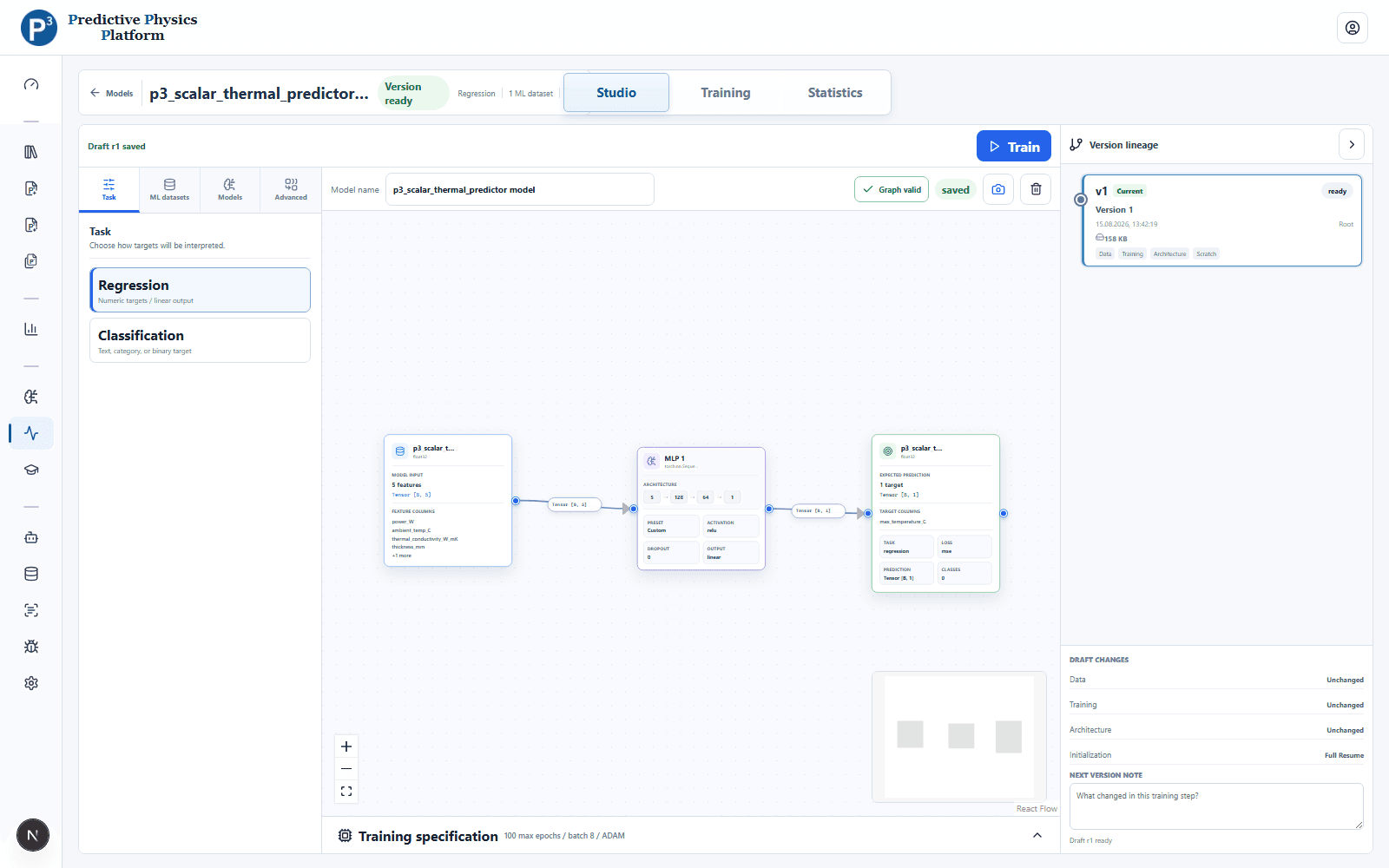
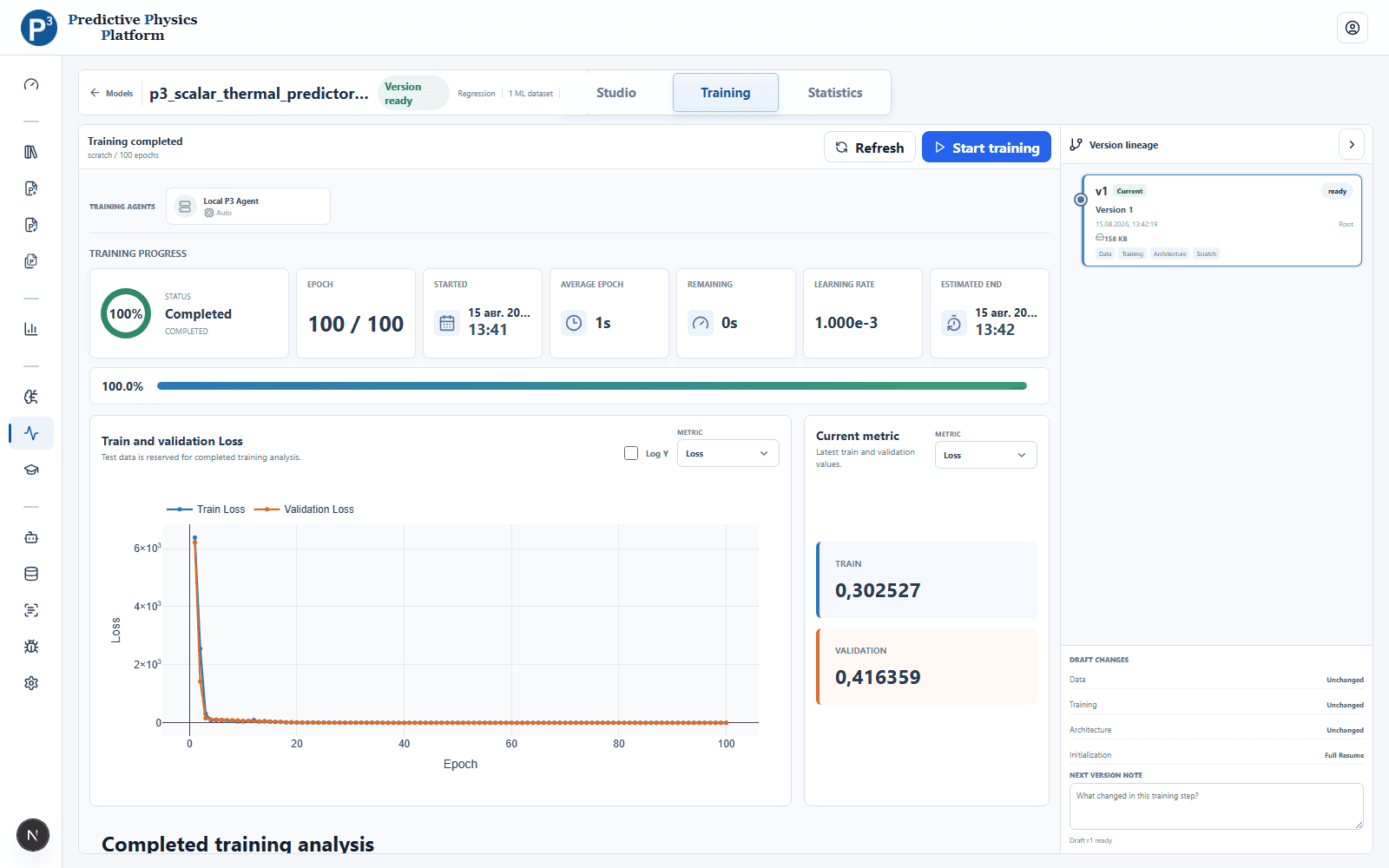
P³ freezes data preparation, model structure, and training settings into reproducible versions handled by local ML Agents.
These capabilities reflect the current product. Experimental or unsupported feature types are not presented as finished.
Connect features, reusable transforms, model blocks, targets, and losses while P³ validates tensor contracts.
Use one model system with task-specific heads, losses, class mappings, and evaluation metrics.
Train on CPU or GPU through the managed ML runtime without handing dataset credentials to a remote service.
Track changes to data, architecture, and training while keeping successful trained versions immutable.
Prepare an ML dataset in Analytics
Connect tensors and configure the model
Choose an Agent and start training
Compare metrics and retain a trained version
Free for private and eligible university use. Companies can request a commercial license.